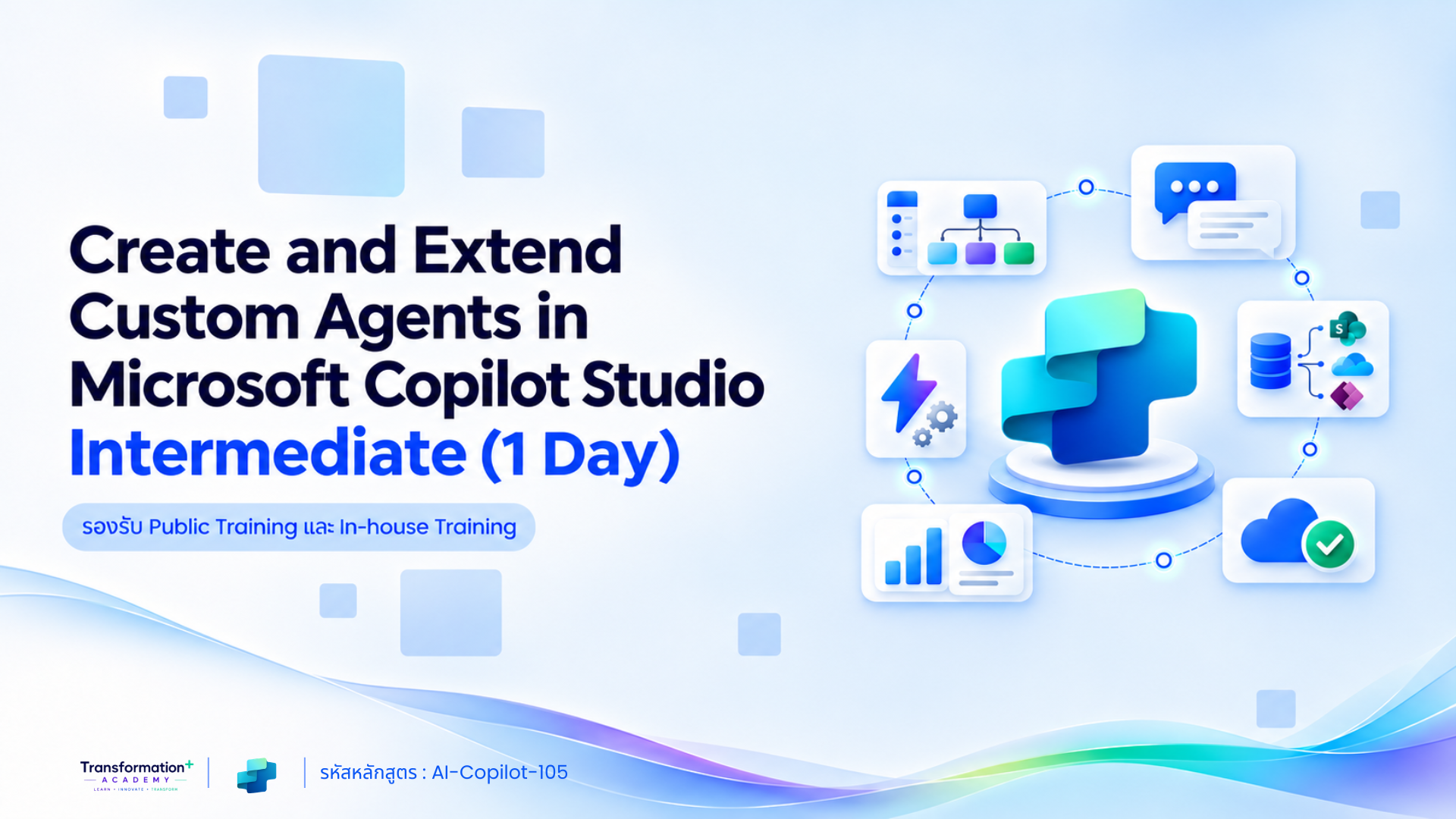
Create and Extend Custom Agents in Microsoft Copilot Studio Intermediate (1 Day)
สร้าง AI Agent เชื่อมต่อองค์ความรู้ เครื่องมือ และ Workflow ขององค์กรด้วย Microsoft Copilot Studio
หลักสูตรระดับ Intermediate สำหรับ End User ที่ต้องการสร้าง AI Agent เพื่อให้ข้อมูล ตอบคำถาม และดำเนินกระบวนการทำงานแทนผู้ใช้งาน
ผู้เข้าอบรมจะได้เรียนรู้การสร้างและตั้งค่า Agent ออกแบบบทสนทนา เชื่อมต่อ Knowledge Sources และ Power Automate ตลอดจนทดสอบ เผยแพร่ และกำหนดสิทธิ์การเข้าถึง Agent
ภาพรวมหลักสูตร (Course Overview)
Create and Extend Custom Agents in Microsoft Copilot Studio Intermediate (1 Day)
รหัสหลักสูตร: AI Copilot Studio-105
หลักสูตรนี้ครอบคลุมการสร้าง AI Agent ด้วย Microsoft Copilot Studio ตั้งแต่การกำหนดชื่อ คำอธิบาย Instructions และรูปแบบการตอบ ไปจนถึงการออกแบบ Topics และ Conversation Flow
ผู้เรียนจะได้ฝึกเชื่อมต่อ Website, File, SharePoint และข้อมูลองค์กร เพิ่ม Tools และ Workflow จาก Power Automate เพื่อให้ Agent ดำเนินการแทนผู้ใช้ ก่อนทดสอบและเผยแพร่ผ่าน Microsoft Teams และ Microsoft 365 Copilot
หลักสูตรนี้เหมาะกับใคร
- End User ที่ต้องการพัฒนา AI Agent ในระดับ Intermediate
- ผู้ที่ต้องการสร้าง Agent สำหรับตอบคำถามภายในองค์กร
- ผู้ที่ต้องการสร้าง IT Helpdesk Agent
- ผู้ที่ต้องการสร้าง Employee Self-Service Agent
- ผู้ที่ต้องการออกแบบ Topics และ Conversation Flow
- ผู้ที่ต้องการเชื่อมต่อ Agent กับองค์ความรู้ขององค์กร
- ผู้ที่ต้องการเชื่อมต่อ Agent กับ Power Automate
- ผู้ที่ต้องการให้ Agent ดำเนินการแทนผู้ใช้งาน
- ผู้ที่ต้องการเผยแพร่ Agent ผ่าน Teams หรือ Microsoft 365 Copilot
จุดเด่นของหลักสูตรนี้
✔ เรียนรู้ Microsoft Copilot Studio ระดับ Intermediate ภายใน 1 วัน
✔ เข้าใจแนวคิดของ Copilot Studio และ AI Agent
✔ แยกความแตกต่างระหว่าง Agent, Microsoft 365 Copilot และ Generative AI
✔ วิเคราะห์ Business Use Case สำหรับ Agent
✔ สร้างและตั้งค่า Agent
✔ กำหนด Instructions และรูปแบบการตอบ
✔ ใช้งาน Generative Orchestration
✔ ออกแบบ Topics และ Conversation Nodes
✔ ใช้งาน Trigger Phrases, Variables และ Entities
✔ เชื่อมต่อ Website, File และ SharePoint
✔ กำหนดขอบเขตความรู้ของ Agent
✔ เชื่อมต่อ Tools, Connectors และ Power Automate
✔ เผยแพร่ Agent ผ่าน Teams และ Microsoft 365 Copilot
✔ เรียนรู้ Security, Access Control และ Responsible AI
✔ เน้นการลงมือทำผ่าน Hands-on Workshop 60%
สิ่งที่ผู้เข้าอบรมจะได้รับ
หลังจบหลักสูตร ผู้เรียนจะสามารถ:
- อธิบายภาพรวมของ Microsoft Copilot Studio และ AI Agent
- แยกความแตกต่างระหว่าง Agent, Microsoft 365 Copilot และ Generative AI
- วิเคราะห์ Business Use Case ที่เหมาะกับ Agent
- อธิบายส่วนประกอบและสถาปัตยกรรมของ Agent
- สร้างและตั้งค่า Agent
- กำหนดชื่อ คำอธิบาย Instructions และรูปแบบการตอบ
- ใช้งาน Generative Orchestration
- สร้าง Topics และ Trigger Phrases
- ออกแบบ Conversation Flow ด้วย Nodes
- ใช้งาน Variables และ Entities
- เชื่อมต่อ Website, File, SharePoint และข้อมูลองค์กร
- เชื่อมต่อ Tools, Connectors และ Power Automate
- สร้าง Agent ที่ดำเนินการแทนผู้ใช้งาน
- ทดสอบและแก้ไขบทสนทนาและ Workflow
- เผยแพร่และกำหนดสิทธิ์การเข้าถึง Agent
รูปแบบการอบรม
- ระยะเวลา: 1 วัน
- เวลาอบรม: 09.00–12.00 น. และ 13.00–16.00 น.
- ระดับหลักสูตร: Intermediate
- กลุ่มผู้เรียน: End User
- ภาษาในการบรรยาย: ภาษาไทย
- เอกสารประกอบ: ภาษาอังกฤษและภาษาไทย
- สัดส่วนการเรียน: Lecture 40% และ Hands-on Workshop 60%
- เทคโนโลยีหลัก: Microsoft Copilot Studio
Tools & Technologies
- Microsoft Copilot Studio
- AI Agents
- Microsoft 365 Copilot
- Generative AI
- Generative Orchestration
- Topics
- Trigger Phrases
- Conversation Nodes
- Variables
- Entities
- Knowledge Sources
- Microsoft SharePoint
- Tools
- Connectors
- Microsoft Power Automate
- Microsoft Teams
Course Outline
🔹 Module 1: Introduction to Microsoft Copilot Studio
- ภาพรวมของ Microsoft Copilot Studio และ AI Agent
- ความแตกต่างระหว่าง Agent, Microsoft 365 Copilot และ Generative AI
- ตัวอย่าง Business Use Case
- ส่วนประกอบและสถาปัตยกรรมของ Agent
🔹 Module 2: Create and Configure an Agent
- สร้าง Agent
- กำหนดชื่อ คำอธิบาย และ Instructions
- กำหนดภาษาและรูปแบบการตอบ
- ใช้งาน Generative Orchestration
🔹 Module 3: Design Agent Conversations
- การสร้างและจัดการ Topics
- กำหนด Trigger Phrases และ Conversation Nodes
- ใช้งาน Question, Condition, Message และ Redirect
- ใช้งาน Variables และ Entities
🔹 Module 4: Connect Knowledge Sources
- เชื่อมต่อ Website, File และข้อมูลองค์กร
- เชื่อมต่อ Microsoft SharePoint
- กำหนดขอบเขตความรู้
- ออกแบบคำตอบให้สอดคล้องกับข้อมูลองค์กร
🔹 Module 5: Extend Agents with Tools and Automation
- เชื่อมต่อ Tools และ Connectors
- เชื่อมต่อ Power Automate Workflow
- รับข้อมูลจากผู้ใช้และส่งต่อไปยังระบบ
- สร้าง Agent ที่สามารถดำเนินการแทนผู้ใช้
🔹 Module 6: Test, Publish and Manage Agents
- ทดสอบ Conversation และ Workflow
- วิเคราะห์และแก้ไขคำตอบของ Agent
- เผยแพร่ผ่าน Microsoft Teams และ Microsoft 365 Copilot
- จัดการ Security และ Access Control
- เรียนรู้แนวทาง Responsible AI
- ติดตามและปรับปรุง Agent
🔹 Workshop
- สร้าง IT Helpdesk หรือ Employee Self-Service Agent ที่ตอบคำถามจากฐานความรู้และเปิด Service Request ผ่าน Workflow
สนใจสมัครอบรมหรือจัดอบรมภายในองค์กร
ไม่ว่าจะเป็นการสมัครเรียนแบบรายบุคคล ส่งพนักงานเข้าอบรมตามรอบ Public Training หรือจัดหลักสูตร In-house Training
สำหรับองค์กร สามารถติดต่อทีมงานเพื่อสอบถามรอบอบรม รายละเอียดหลักสูตร และขอใบเสนอราคาได้ที่นี่
📞 ฝ่ายขาย: 02-072-1900 ต่อ 1
🟩 LINE: @indigy.academy
🟦 Facebook: Transformation+ Academy
📧 Email: [email protected]
🌐 Website: https://www.indigy.com/training_course/
หลักสูตรแนะนำ
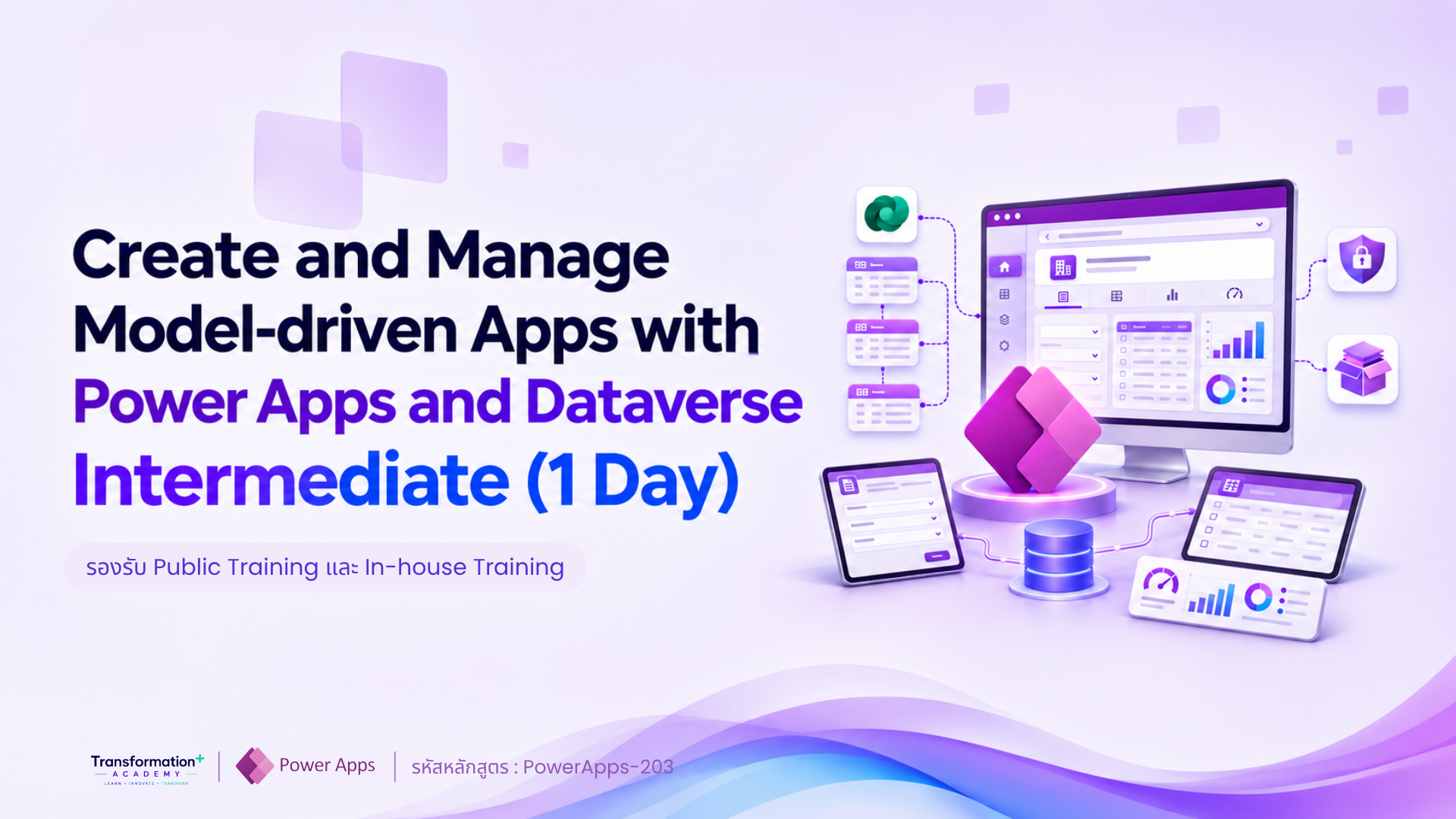
Create and Manage Model-driven Apps with Power Apps and Dataverse Intermediate (1 Day)
รหัสหลักสูตร: PowerApps-203 เรียน Model-driven Apps with Power Apps ฝึกออกแบบ Data Model, Form, View…
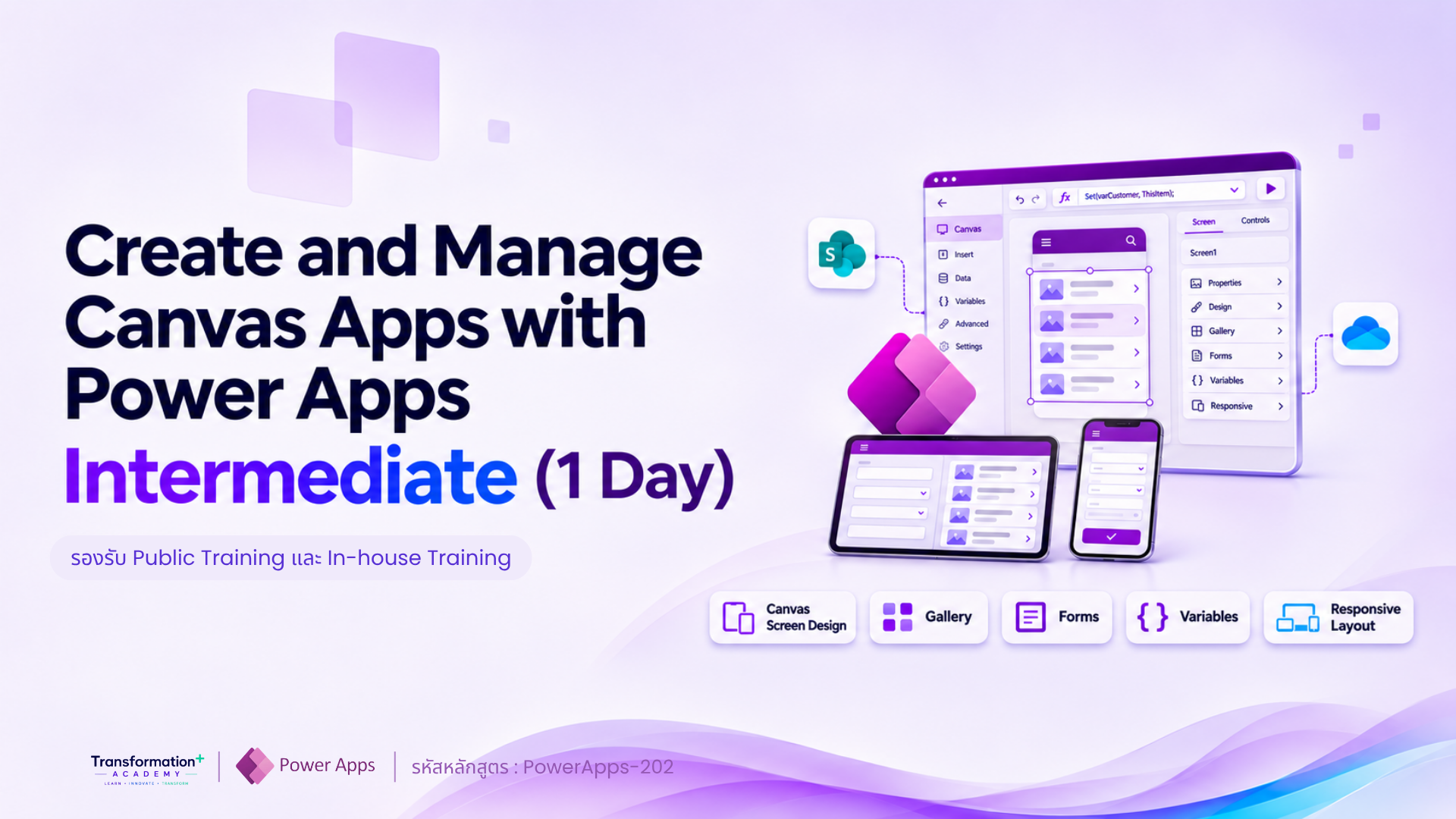
Create and Manage Canvas Apps with Power Apps Intermediate (1 Day)
รหัสหลักสูตร: PowerApps-202 เรียน Power Apps Canvas App ฝึกสร้างแอป เชื่อม SharePoint ใช้ Power Fx จัดการ Form…
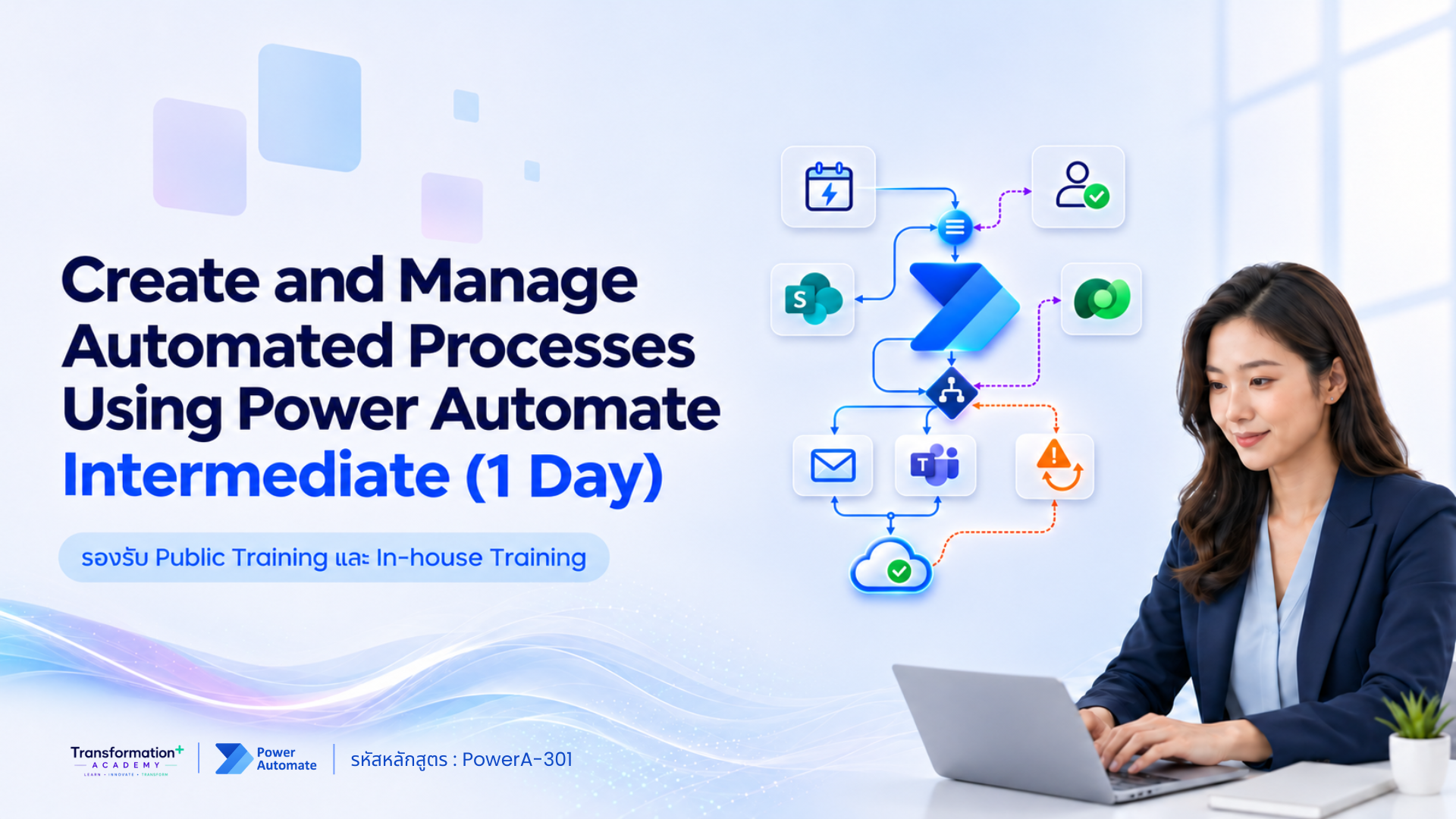
Create and Manage Automated Processes Using Power Automate Intermediate (1 Day)
รหัสหลักสูตร: PowerA-301 เรียน Power Automate Intermediate ฝึกสร้าง Cloud Flow, Approval Workflow…
Create and Extend Custom Agents in Microsoft Copilot Studio Intermediate (1 Day)
รหัสหลักสูตร: AI Copilot Studio-105 Microsoft Copilot Studio Training ฝึกสร้าง AI Agent เชื่อม Knowledge, SharePoint…

Claude Cowork | 1 Day รุ่นที่ 2 ปลดล็อกวิธีทำงานใหม่ด้วย Claude Cowork ใน 1 วัน
New! เรียน Claude Cowork แบบ Hands-on 1 วัน ฝึก Prompt, Microsoft Office, AI Workflow และ Agentic AI พร้อมออกแบบ Workflow จากงานจริงของคุณ…
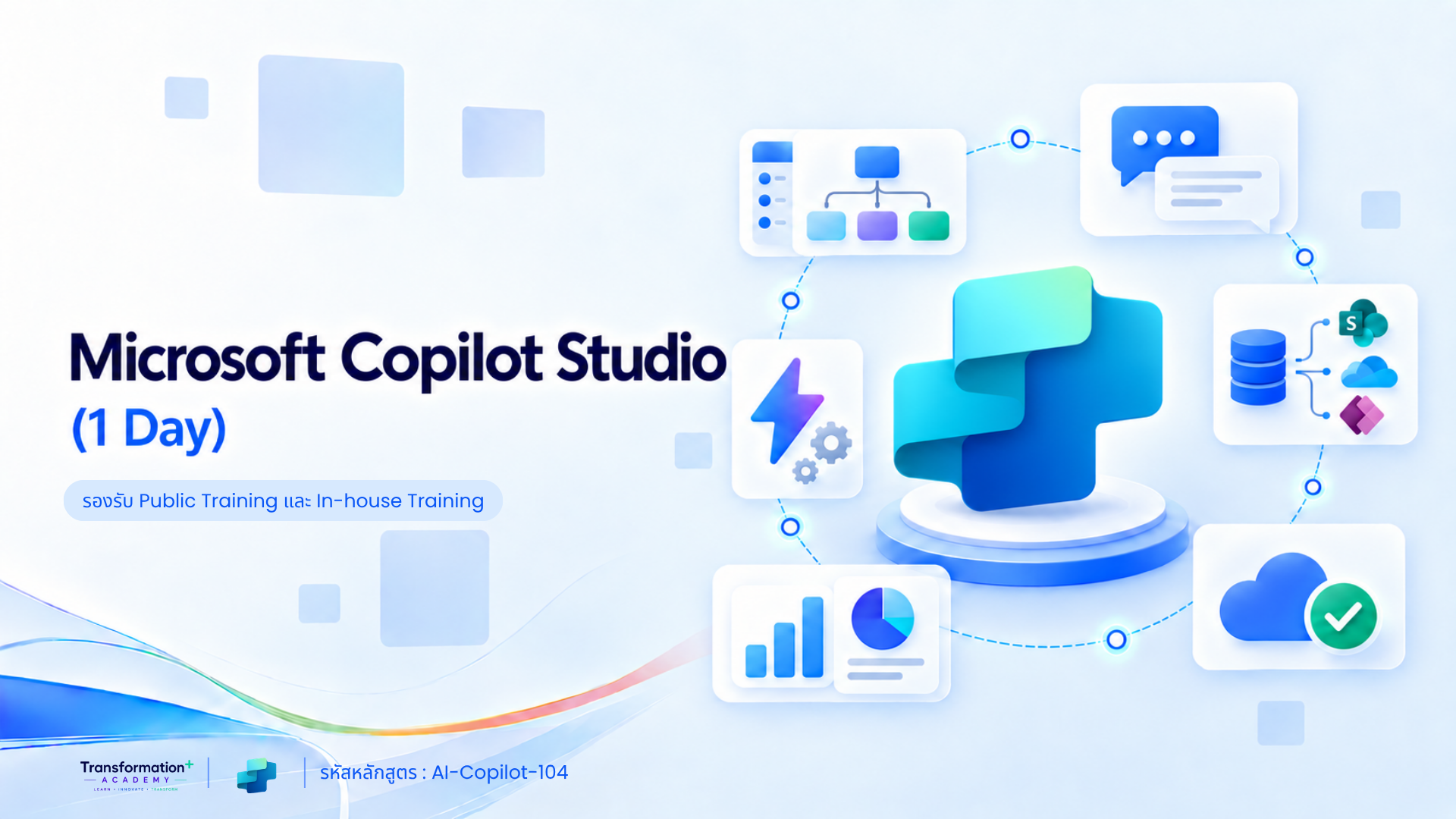
Microsoft Copilot Studio (1 Day)
รหัสหลักสูตร: AI-Copilot-104 Microsoft Copilot Studio (1 Day) สำหรับผู้เริ่มต้น เรียนรู้การสร้าง AI Agent เชื่อมต่อข้อมูลจาก SharePoint เว็บไซต์ และไฟล์เอกสาร…