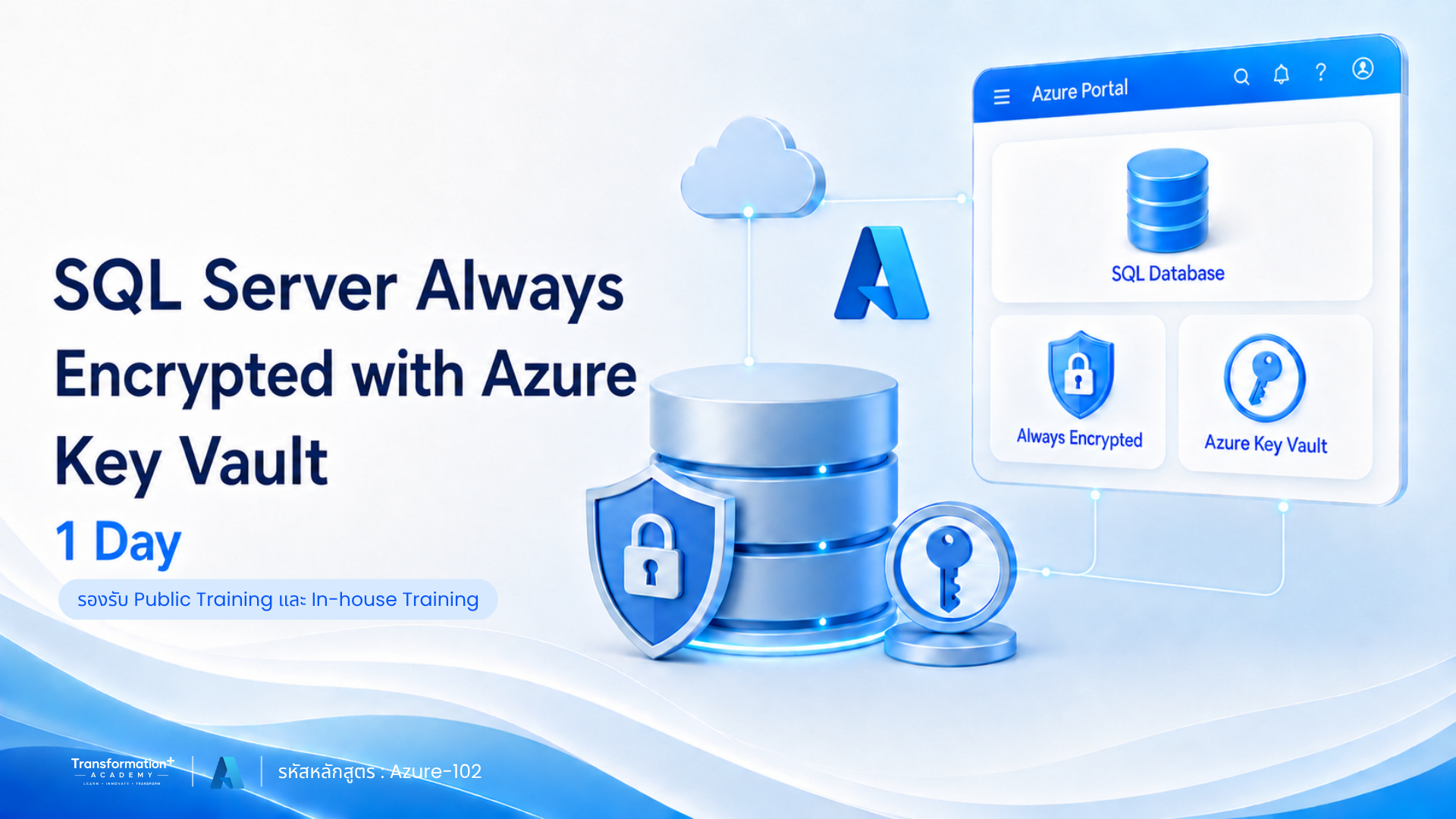
SQL Server Always Encrypted with Azure Key Vault (1 Day)
ปกป้องข้อมูลสำคัญใน SQL Server ด้วย Always Encrypted และ Azure Key Vault
หลักสูตรสำหรับ IT Administrator, SQL DBA และ Security Engineer ที่ต้องการยกระดับการปกป้องข้อมูลสำคัญภายใน SQL Server ด้วยเทคโนโลยี Always Encrypted
ผู้เข้าอบรมจะได้เรียนรู้การตั้งค่า Always Encrypted ด้วย Local Key Store และ Azure Key Vault การบริหารจัดการ Encryption Keys การใช้งาน Secure Enclaves และ Attestation รวมถึงการเชื่อมต่อกับ Web Application และการแก้ไขปัญหาที่พบบ่อย ผ่านการฝึกปฏิบัติแบบ Hands-on Labs
ภาพรวมหลักสูตร (Course Overview)
SQL Server Always Encrypted with Azure Key Vault (1 Day)
รหัสหลักสูตร: Azure-102
หลักสูตรนี้เจาะลึกการใช้งาน SQL Always Encrypted ร่วมกับ Local Key Store และ Azure Key Vault เพื่อเข้ารหัสและปกป้องข้อมูลสำคัญภายใน SQL Server
ผู้เรียนจะได้ฝึกสร้าง Column Master Keys และ Encryption Keys ตั้งค่าการเข้ารหัสแบบ Deterministic และ Randomized เชื่อมต่อ SQL Server กับ Host Guardian Service รวมถึงจัดการ Key Rotation และ Lifecycle เพื่อสนับสนุนการรักษาความปลอดภัยของฐานข้อมูล
หลักสูตรนี้เหมาะกับใคร
- IT Administrator
- SQL Database Administrator หรือ SQL DBA
- ผู้เชี่ยวชาญด้าน Security
- ผู้ดูแลระบบฐานข้อมูล SQL Server
- ผู้รับผิดชอบการปกป้องข้อมูลสำคัญขององค์กร
- ผู้ที่ต้องการบริหาร Encryption Keys ด้วย Azure Key Vault
- ผู้พัฒนา Web Application ที่เชื่อมต่อกับฐานข้อมูลแบบเข้ารหัส
- ผู้ที่ต้องการเรียนรู้ SQL Always Encrypted ผ่าน Hands-on Labs
จุดเด่นของหลักสูตรนี้
✔ เจาะลึก SQL Always Encrypted และ Azure Key Vault
✔ เรียนรู้ทั้ง Local Key Store และการจัดการ Key บน Cloud
✔ เข้าใจ Column Keys และประเภทของการเข้ารหัส
✔ เรียนรู้ Always Encrypted with Secure Enclaves
✔ ตั้งค่า SQL Server Attestation ด้วย HGS
✔ สร้าง Column Master Keys และ Encryption Keys
✔ ฝึกเข้ารหัสแบบ Deterministic และ Randomized
✔ ตั้งค่า Microsoft Entra ID และ Service Principal
✔ สร้าง Azure Key Vault พร้อมกำหนด Access Control
✔ เชื่อมต่อ Always Encrypted เข้ากับ Web Application
✔ เรียนรู้ Key Rotation และ Lifecycle Management
✔ ฝึกปฏิบัติผ่าน Hands-on Labs หลายหัวข้อ
สิ่งที่ผู้เข้าอบรมจะได้รับ
หลังจบหลักสูตร ผู้เรียนจะสามารถ:
- เข้าใจหลักการทำงานและข้อจำกัดของ SQL Always Encrypted
- เข้าใจ Column Keys และประเภทของการเข้ารหัส
- ใช้งาน Always Encrypted with Secure Enclaves และ Attestation
- สร้าง Local Key Store และ Self-signed Certificate
- สร้าง Column Master Keys และ Encryption Keys
- ตั้งค่าการเข้ารหัสแบบ Deterministic และ Randomized
- Query ข้อมูลใน Encrypted Column และเปิดใช้งาน Parameterization
- Export และ Import Certificate
- ตั้งค่า SQL Server Attestation ด้วย HGS
- ตั้งค่า Microsoft Entra ID และ Service Principal
- สร้าง Azure Key Vault พร้อมกำหนด Access Control และ Key
- ตั้งค่า SQL Always Encrypted ร่วมกับ Azure Key Vault
- เชื่อมต่อ Web Application เข้ากับ Always Encrypted
- จัดการ Key Rotation และ Key Lifecycle
- ตั้งค่า Azure Key Vault Rotation Policy
รูปแบบการอบรม
- ระยะเวลา: 1 วัน
- เวลาอบรม: 09.00–12.00 น. และ 13.00–16.30 น.
- ภาษาในการบรรยาย: ภาษาไทย
- เอกสารประกอบ: ภาษาไทยและภาษาอังกฤษ
- ลักษณะเนื้อหา: การบรรยาย SQL Server และ Microsoft Azure และ Hands-on Labs
Tools & Technologies
- Microsoft SQL Server
- SQL Always Encrypted
- SQL Server Management Studio
- Microsoft Azure
- Azure Key Vault
- Microsoft Entra ID
- Host Guardian Service
- Secure Enclaves
- Visual Studio
- Local Key Store
- Column Master Keys
- Encryption Keys
Course Outline
🔹 Module 1: Introduction to SQL Always Encrypted
- SQL Always Encrypted คืออะไร
- Column Keys
- ประเภทของการเข้ารหัส
- ข้อจำกัดของฟังก์ชัน
- Always Encrypted with Secure Enclaves
- Attestation
- SQL Server Attestation ด้วย HGS
- Local Key Store
- การสร้าง Self-signed Certificate
- ภาพรวมของ Azure Key Vault
- กระบวนการใช้งาน Azure Key Vault
- Column Master Keys ใน Azure Key Vault
- Landing Zone
- ตัวอย่าง Select Query
- Parameterization สำหรับ Always Encrypted
🔹 Module 2: Setting Up SQL Always Encrypted with Local Key Store (Hands-on Labs)
- ดาวน์โหลดและติดตั้ง SQL Server Management Studio
- สร้างฐานข้อมูลและ Table เบื้องต้น
- สร้าง Self Certificate
- สร้าง Column Master Keys และ Encryption Keys
- ตั้งค่า Deterministic Encrypted Column
- Query ข้อมูลจาก Encrypted Column
- เปิดใช้งาน Always Encrypted สำหรับ Select Query
- Export และ Import Certificate
- เปิดใช้งาน Parameterization
- ตั้งค่า Randomized Encrypted Column
- เปิดใช้งาน Secure Enclaves ใน SQL แบบ Unattested
- สร้าง Column Master Keys และ Encryption Keys พร้อม Enclave
- ช่วงถาม-ตอบ
🔹 Module 3: SQL Server with Attestation Using HGS (Hands-on Labs)
- สิ่งที่ต้องเตรียมก่อนติดตั้ง HGS Server
- การตั้งค่า HGS
- การตั้งค่า SQL Server เป็น Guarded Host
- การเชื่อมต่อ SQL Server กับ HGS
- การตั้งค่า HGS สำหรับการสื่อสารผ่าน HTTPS
🔹 Module 4: Setup Azure Key Vault (Hands-on Labs)
- ตั้งค่า Microsoft Entra ID
- ตั้งค่า Microsoft Entra Service Principal
- สร้าง Azure Key Vault
- ตั้งค่า Access Control สำหรับ Azure Key Vault
- สร้าง Key ใน Azure Key Vault
🔹 Module 5: Setting Up SQL Always Encrypted with Azure Key Vault (Hands-on Labs)
- Service Monitoring
- Search Service Management
- ตัวอย่าง Issue Logging และ Troubleshooting
- Backup & Restore
🔹 Module 6: Integration with Web Application (Hands-on Labs)
- กระบวนการ Integration
- เชื่อมต่อ Application กับ Always Encrypted
- ติดตั้ง Visual Studio
- ตั้งค่า Source Code และ Package
- Demo
🔹 Module 7: Managing & Troubleshooting SQL Always Encrypted (Hands-on Labs)
- Key Rotation และ Lifecycle Management
- การ Rotate Local Store Key
- กระบวนการ Key Rotation
- Azure Key Vault Rotation Policy
- การตั้งค่า Key Rotation Policy
สนใจสมัครอบรมหรือจัดอบรมภายในองค์กร
ไม่ว่าจะเป็นการสมัครเรียนแบบรายบุคคล ส่งพนักงานเข้าอบรมตามรอบ Public Training หรือจัดหลักสูตร In-house Training
สำหรับองค์กร สามารถติดต่อทีมงานเพื่อสอบถามรอบอบรม รายละเอียดหลักสูตร และขอใบเสนอราคาได้ที่นี่
📞 ฝ่ายขาย: 093-565-9645 (คุณปัน)
🟩 LINE: @indigy.academy
🟦 Facebook: Transformation+ Academy
📧 Email: Academy@indigy.com
🌐 Website: https://www.indigy.com/training_course/
หลักสูตรแนะนำ
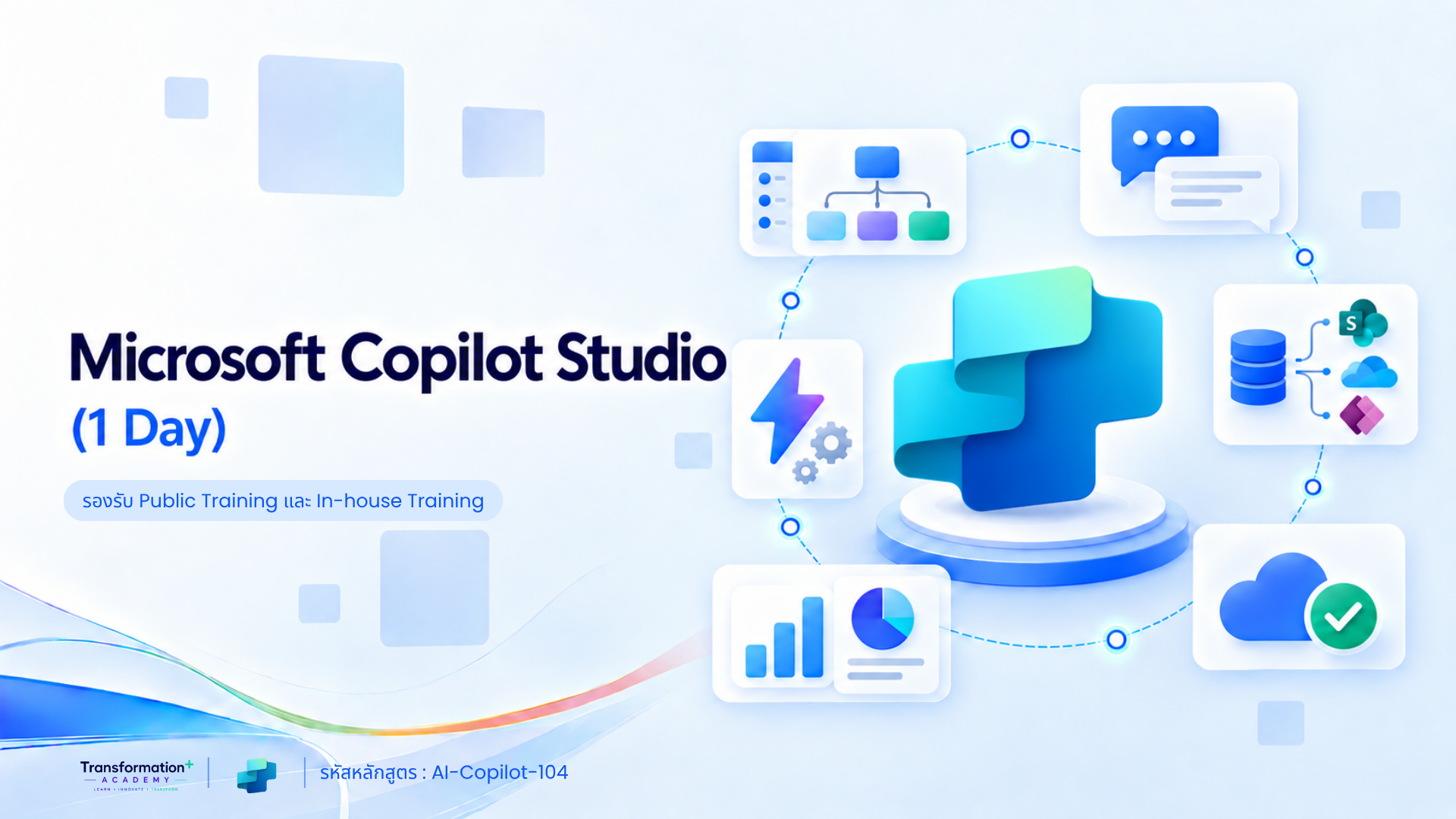
Microsoft Copilot Studio (1 Day)
รหัสหลักสูตร: AI-Copilot-104 Microsoft Copilot Studio (1 Day) สำหรับผู้เริ่มต้น เรียนรู้การสร้าง AI Agent เชื่อมต่อข้อมูลจาก SharePoint เว็บไซต์ และไฟล์เอกสาร…
Microsoft 365 Copilot for Business (1 Day)
รหัสหลักสูตร: AI-Copilot-103 อบรม Microsoft 365 Copilot for Business สำหรับพนักงานและหัวหน้างาน เรียนรู้การเขียน Prompt AI…
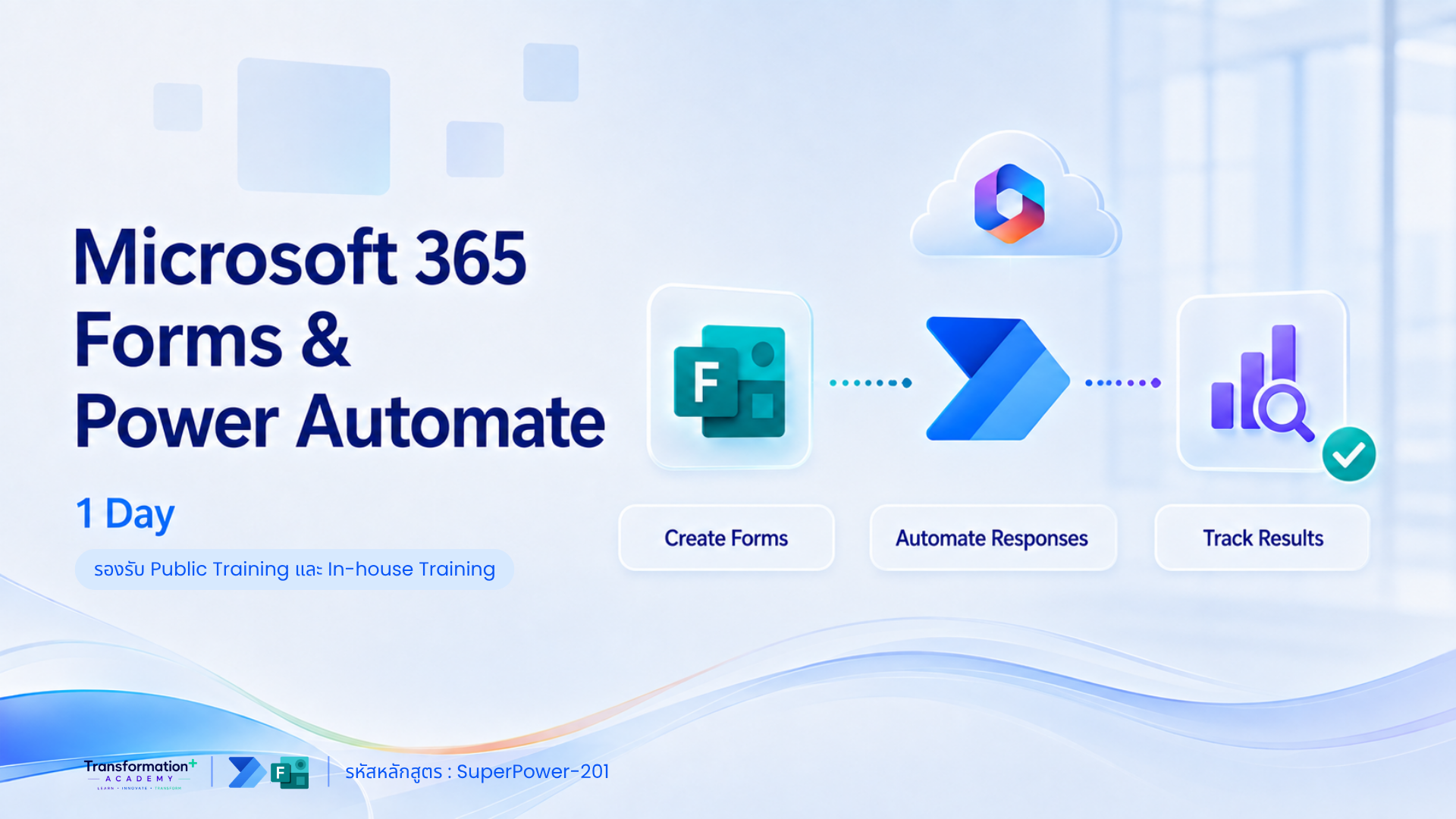
Microsoft 365 Forms & Power Automate (1 Day)
รหัสหลักสูตร: SuperPower-201 อบรม Microsoft Forms และ Power Automate ภายใน 1 วัน สร้างแบบฟอร์มออนไลน์ เชื่อม SharePoint Lists…
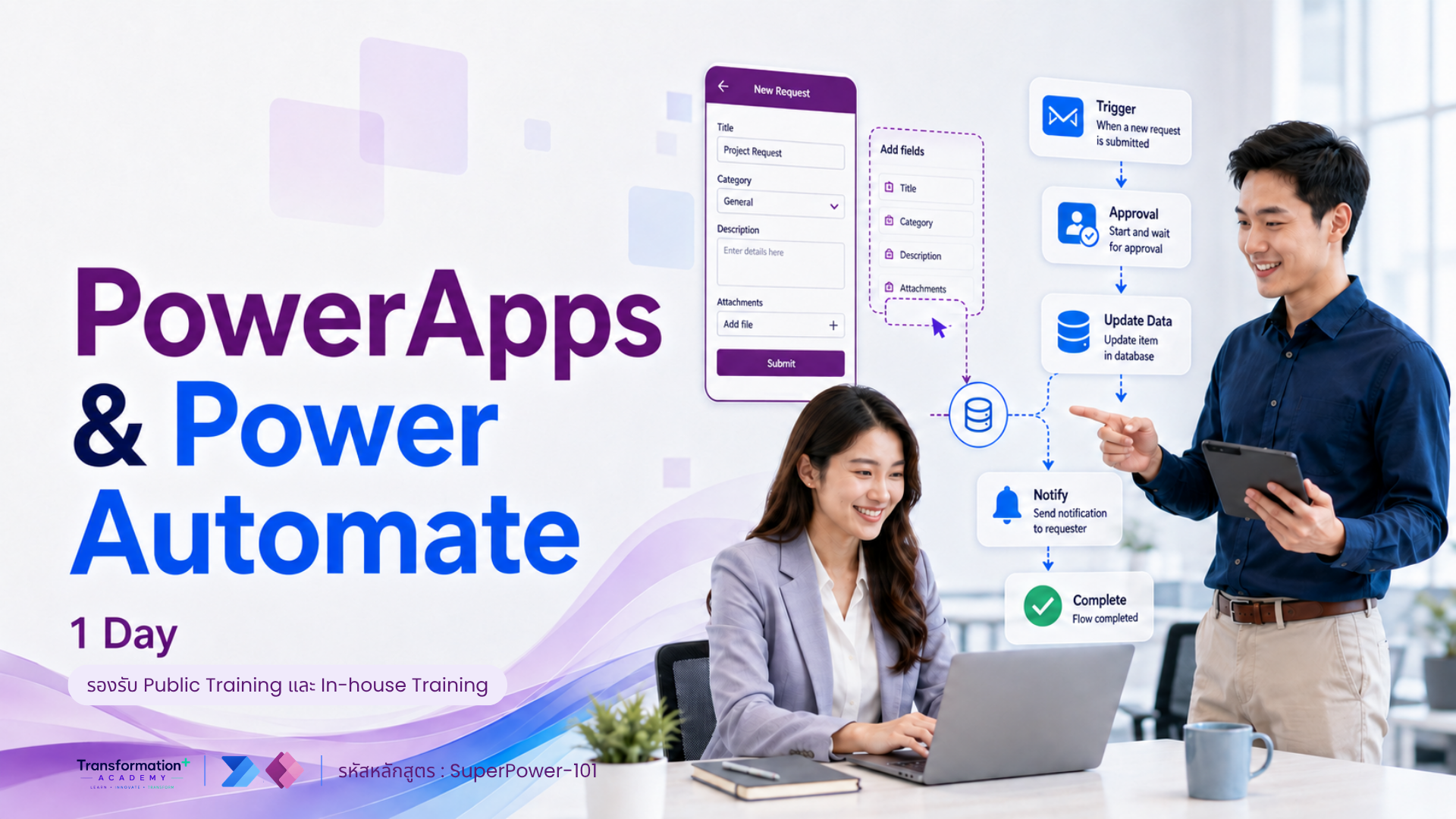
PowerApps & Power Automate (1 Day)
รหัสหลักสูตร: SuperPower-101 อบรม Power Apps และ Power Automate สำหรับผู้เริ่มต้น เรียนรู้การสร้าง Business Application…
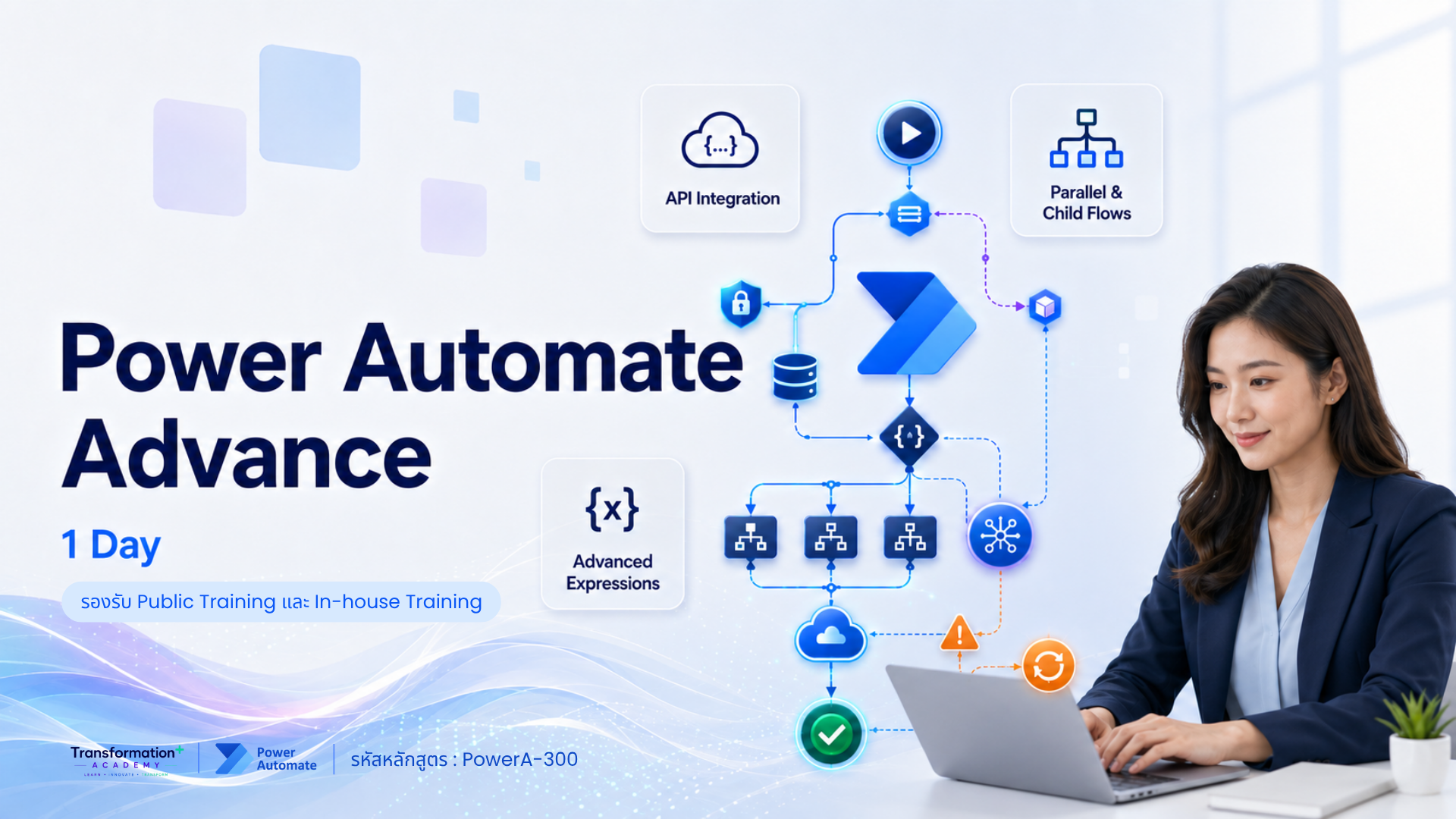
Power Automate Advance (1 Day)
รหัสหลักสูตร: PowerA-300 อบรม Power Automate Advanced สำหรับผู้ที่ต้องการสร้าง Workflow ขั้นสูง เรียนรู้ Multi-step…
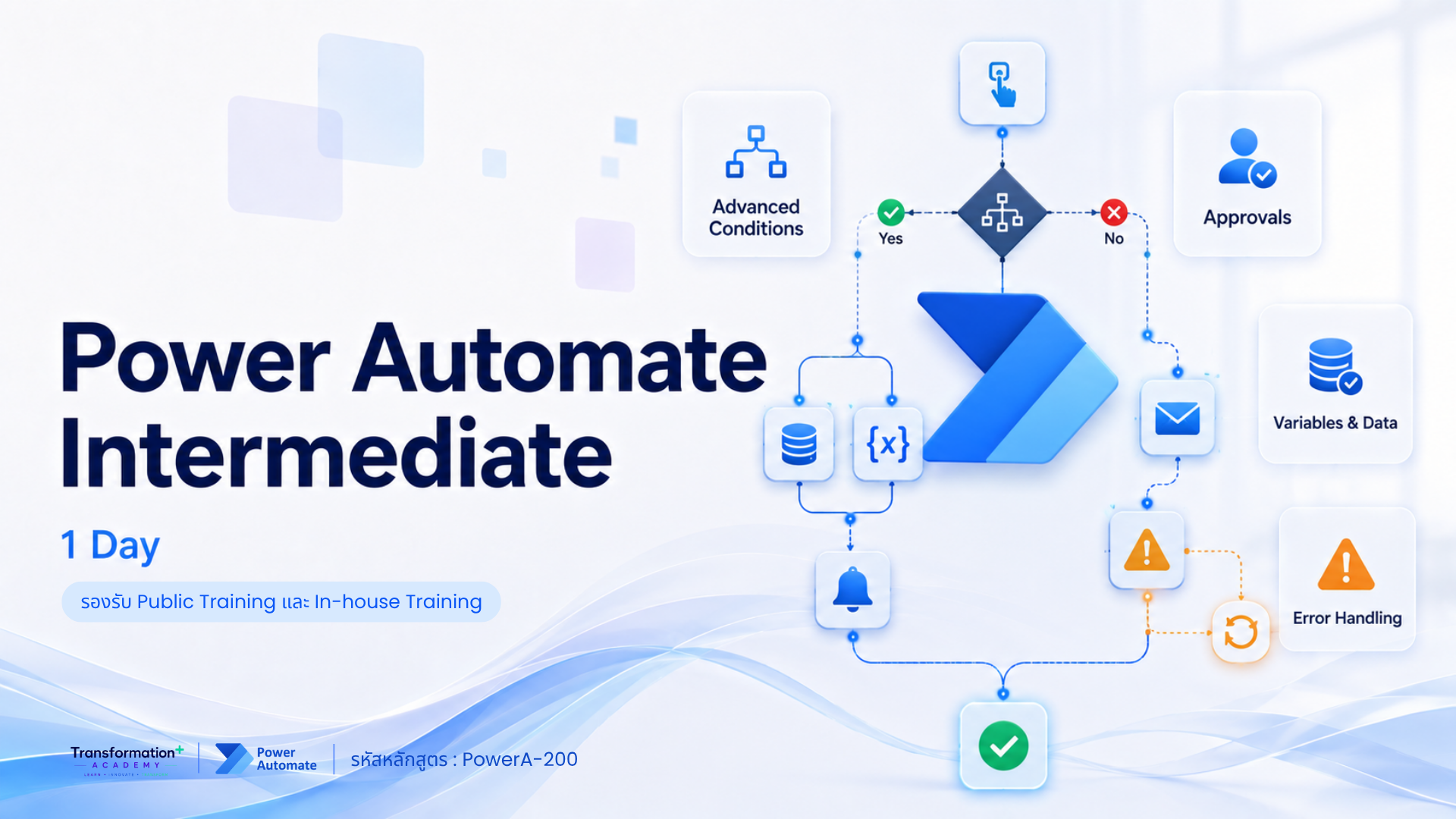
Power Automate Intermediate (1 Day)
รหัสหลักสูตร: PowerA-200 อบรม Power Automate สำหรับผู้เริ่มต้น เรียนรู้การสร้าง Workflow, Approval และ Automation…