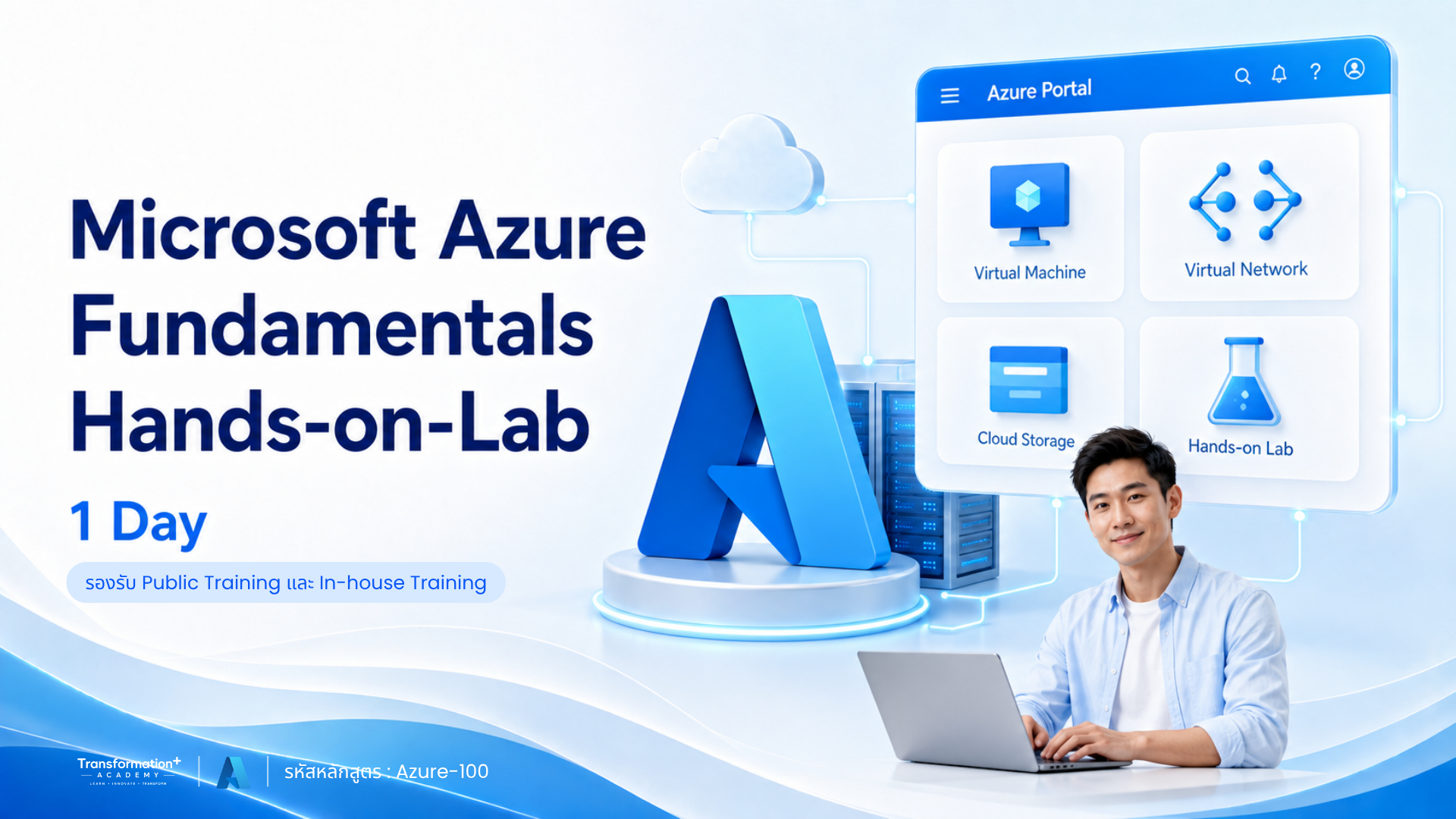
Microsoft Azure Fundamentals Hands-on-Lab (1 Day)
เรียนรู้พื้นฐาน Microsoft Azure พร้อมลงมือสร้าง Resource และ Deploy ระบบบน Cloud
หลักสูตรสำหรับ System Administrator รวมถึงผู้ดูแลและติดตั้ง Web Server หรือ Application Server ที่ต้องการเรียนรู้พื้นฐานการใช้งาน Microsoft Azure ในรูปแบบบริการ IaaS และ PaaS
ผู้เข้าอบรมจะได้ฝึกสร้าง Azure Resources และ Deploy ระบบเพื่อให้บริการผ่าน Cloud ตั้งแต่การใช้งาน Azure Portal การสร้าง Virtual Machine และระบบ Network ไปจนถึงการ Deploy Web Application, Azure SQL, Backup & Restore และการตั้งค่าระบบ Monitoring พร้อม Alert
ภาพรวมหลักสูตร (Course Overview)
Microsoft Azure Fundamentals Hands-on-Lab (1 Day)
รหัสหลักสูตร: Azure-100
หลักสูตรนี้ออกแบบมาเพื่อให้ผู้เรียนเข้าใจพื้นฐานการใช้งาน Microsoft Azure ในรูปแบบ Infrastructure as a Service (IaaS) และ Platform as a Service (PaaS)
ผู้เรียนจะได้ทำความรู้จัก Azure Account, Subscription, Portal, Marketplace และ Resource Group พร้อมฝึกสร้าง Virtual Machine, Virtual Network, Web App และ Azure SQL รวมถึงการกำหนด Security, Backup, Restore และ Monitoring เพื่อให้สามารถนำระบบขึ้นให้บริการผ่าน Cloud ได้อย่างเหมาะสม
หลักสูตรนี้เหมาะกับใคร
- System Administrator หรือผู้ดูแลระบบ IT
- Web Server Administrator
- Application Server Administrator
- ผู้ติดตั้ง Web Server และ Application Server
- ผู้ที่ต้องการเรียนรู้พื้นฐาน Microsoft Azure
- ผู้ที่ต้องการเริ่มต้นใช้งานบริการ Cloud แบบ IaaS และ PaaS
- ผู้ที่ต้องสร้าง Virtual Machine และระบบเครือข่ายบน Azure
- ผู้ที่ต้อง Deploy Web Application ขึ้น Azure
- ผู้ที่มีพื้นฐาน Cloud Services และระบบเครือข่าย
จุดเด่นของหลักสูตรนี้
✔ เรียนรู้พื้นฐาน Microsoft Azure ภายใน 1 วัน
✔ ครอบคลุมบริการ Cloud ทั้งรูปแบบ IaaS และ PaaS
✔ ฝึกสร้าง Azure Resources ผ่าน Azure Portal
✔ เรียนรู้การใช้งาน Subscription และ Resource Group
✔ สร้างและกำหนดขนาด Azure Virtual Machine
✔ ตั้งค่า Virtual Network, Subnet และ IP Address
✔ จัดการ Network Security Group และ Azure Bastion
✔ เรียนรู้ Load Balance และ Backup & Restore สำหรับ VM
✔ สร้าง Azure Web App และ Deploy Application
✔ ตั้งค่า Custom Domain และ Web App Firewall
✔ ใช้งาน Azure SQL
✔ ตรวจสอบ VM, Web App และ Azure SQL
✔ ตั้งค่า Alert สำหรับติดตามระบบ
สิ่งที่ผู้เข้าอบรมจะได้รับ
หลังจบหลักสูตร ผู้เรียนจะสามารถ:
- เข้าใจ Microsoft Azure และรูปแบบบริการของ Azure
- เริ่มต้นใช้งาน Azure Account และ Subscription
- ใช้งาน Azure Portal และ Azure Marketplace
- ประเมินราคาด้วย Azure Pricing Calculator
- สร้างและจัดการ Azure Resource Group
- เลือกขนาดและสร้าง Azure Virtual Machine
- ตั้งค่า Virtual Network, Subnet และ IP Address
- จัดการ Managed Disk และ Network Security Group
- ใช้งาน Azure Bastion และ Azure VM Load Balance
- สำรองและกู้คืน Azure Virtual Machine
- สร้าง App Service Plan และ Azure Web App
- Deploy Application และกำหนด Custom Domain
- ตั้งค่า Azure Web App Firewall และ Azure SQL
- สำรองและกู้คืน Azure Web App
- ตรวจสอบ VM, Web App และ Azure SQL พร้อมตั้งค่า Alert
เงื่อนไขก่อนเข้าอบรม
- ผู้เข้าอบรมเป็น System Administrator หรือผู้ดูแลระบบ
- มีความรู้พื้นฐานเกี่ยวกับ Cloud Services
- มีความรู้พื้นฐานด้านระบบเครือข่าย
ข้อกำหนดด้านระบบและอุปกรณ์
- ผู้เข้าอบรมมีคอมพิวเตอร์ PC หรือ Notebook ที่เชื่อมต่ออินเทอร์เน็ตได้
- ห้องอบรมมีระบบเครือข่าย LAN หรือ Wireless
- มี Web Browser เช่น IE11, Google Chrome, Firefox หรือ Microsoft Edge Chromium เวอร์ชันล่าสุด
- มีโปรแกรม Remote Desktop
- มีโปรแกรม FTP
- มีโปรแกรม Text Editor
- มีโปรแกรม SQL Management Studio
- มี Azure Tenant และ Owner Account
รูปแบบการอบรม
- ระยะเวลา: 1 วัน
- เวลาอบรม: 09.00–12.00 น. และ 13.00–16.30 น.
- ภาษาในการบรรยาย: ภาษาไทย
- เอกสารประกอบ: ภาษาไทยและภาษาอังกฤษ
- ลักษณะเนื้อหา: พื้นฐาน Microsoft Azure และ Windows Server พร้อม Hands-on Lab
Tools & Technologies
- Microsoft Azure
- Windows Server
- Azure Portal
- Azure Marketplace
- Azure Pricing Calculator
- Azure Resource Group
- Azure Virtual Machine
- Azure Virtual Network
- Azure Bastion
- Azure App Service
- Azure Web App
- Azure SQL
- SQL Management Studio
- Remote Desktop
- FTP
Course Outline
🔹 Module 1: Introduction to Microsoft Azure
- Microsoft Azure คืออะไร
- รูปแบบบริการของ Azure
- การเริ่มต้นใช้งาน Azure Account
- Azure Subscription
- แนะนำ Azure Portal
- แนะนำ Azure Marketplace
- Azure Pricing Calculator
- Azure Resource Group
🔹 Module 2: Azure Virtual Machine
- การกำหนดขนาด Azure Virtual Machine
- Virtual Network และ Subnet
- IP Address
- Managed Disk
- Network Security Group
- Azure Bastion
- Azure VM Load Balance
- การ Backup และ Restore Azure Virtual Machine
🔹 Module 3: Azure Web App Service
- Azure App Service Plan
- Azure Web App
- การ Deploy Application ไปยัง Azure Web App
- การตั้งค่า Custom Domain
- Azure Web App Firewall
- Azure SQL
- การ Backup และ Restore Azure Web App
🔹 Module 4: Azure Monitoring
- Azure Virtual Machine Monitoring
- Azure Web App Monitoring
- Azure SQL Monitoring
- การตั้งค่า Alert
สนใจสมัครอบรมหรือจัดอบรมภายในองค์กร
ไม่ว่าจะเป็นการสมัครเรียนแบบรายบุคคล ส่งพนักงานเข้าอบรมตามรอบ Public Training หรือจัดหลักสูตร In-house Training
สำหรับองค์กร สามารถติดต่อทีมงานเพื่อสอบถามรอบอบรม รายละเอียดหลักสูตร และขอใบเสนอราคาได้ที่นี่
📞 ฝ่ายขาย: 093-565-9645 (คุณปัน)
🟩 LINE: @indigy.academy
🟦 Facebook: Transformation+ Academy
📧 Email: Academy@indigy.com
🌐 Website: https://www.indigy.com/training_course/
หลักสูตรแนะนำ
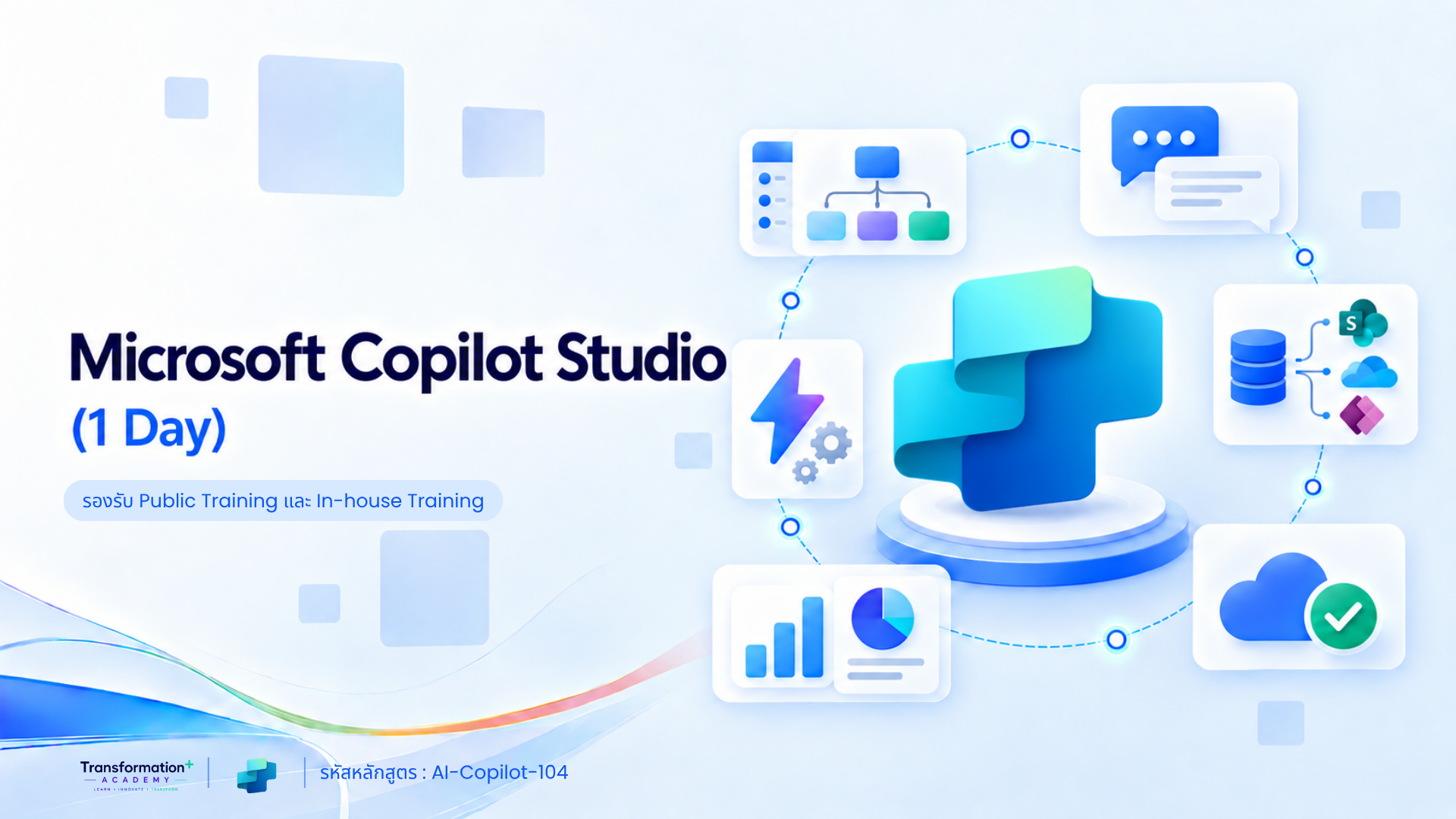
Microsoft Copilot Studio (1 Day)
รหัสหลักสูตร: AI-Copilot-104 Microsoft Copilot Studio (1 Day) สำหรับผู้เริ่มต้น เรียนรู้การสร้าง AI Agent เชื่อมต่อข้อมูลจาก SharePoint เว็บไซต์ และไฟล์เอกสาร…
Microsoft 365 Copilot for Business (1 Day)
รหัสหลักสูตร: AI-Copilot-103 อบรม Microsoft 365 Copilot for Business สำหรับพนักงานและหัวหน้างาน เรียนรู้การเขียน Prompt AI…
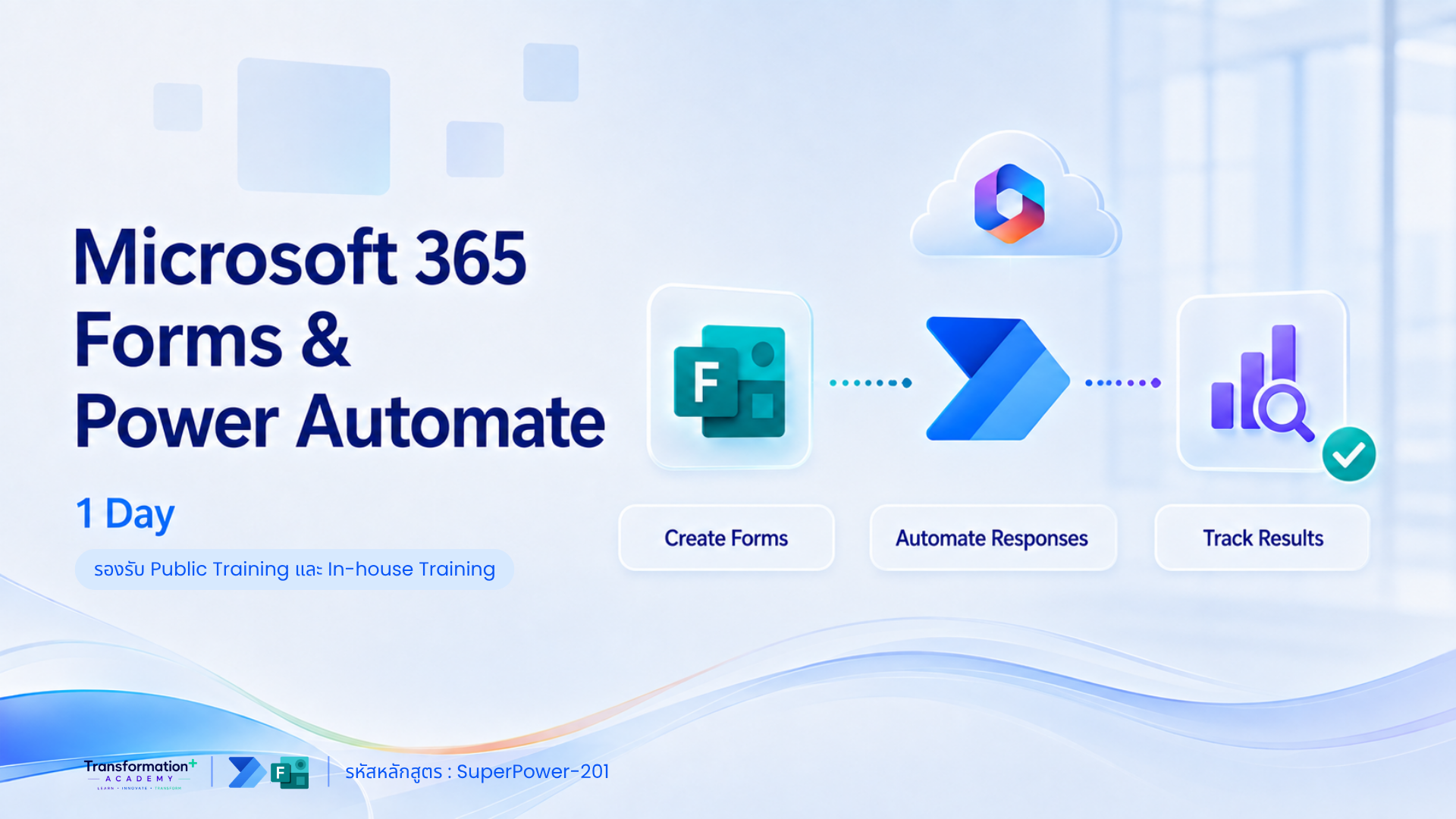
Microsoft 365 Forms & Power Automate (1 Day)
รหัสหลักสูตร: SuperPower-201 อบรม Microsoft Forms และ Power Automate ภายใน 1 วัน สร้างแบบฟอร์มออนไลน์ เชื่อม SharePoint Lists…
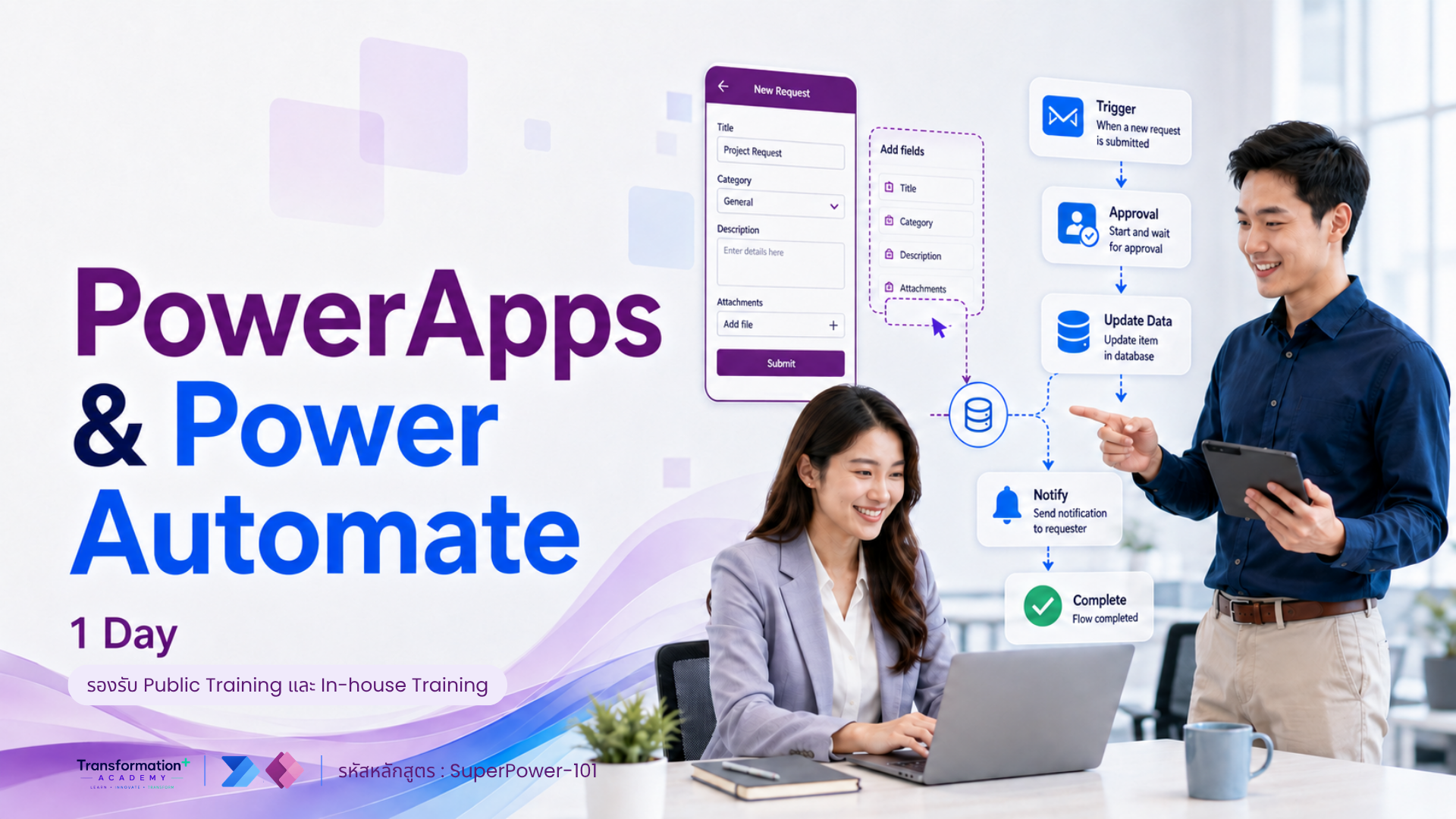
PowerApps & Power Automate (1 Day)
รหัสหลักสูตร: SuperPower-101 อบรม Power Apps และ Power Automate สำหรับผู้เริ่มต้น เรียนรู้การสร้าง Business Application…
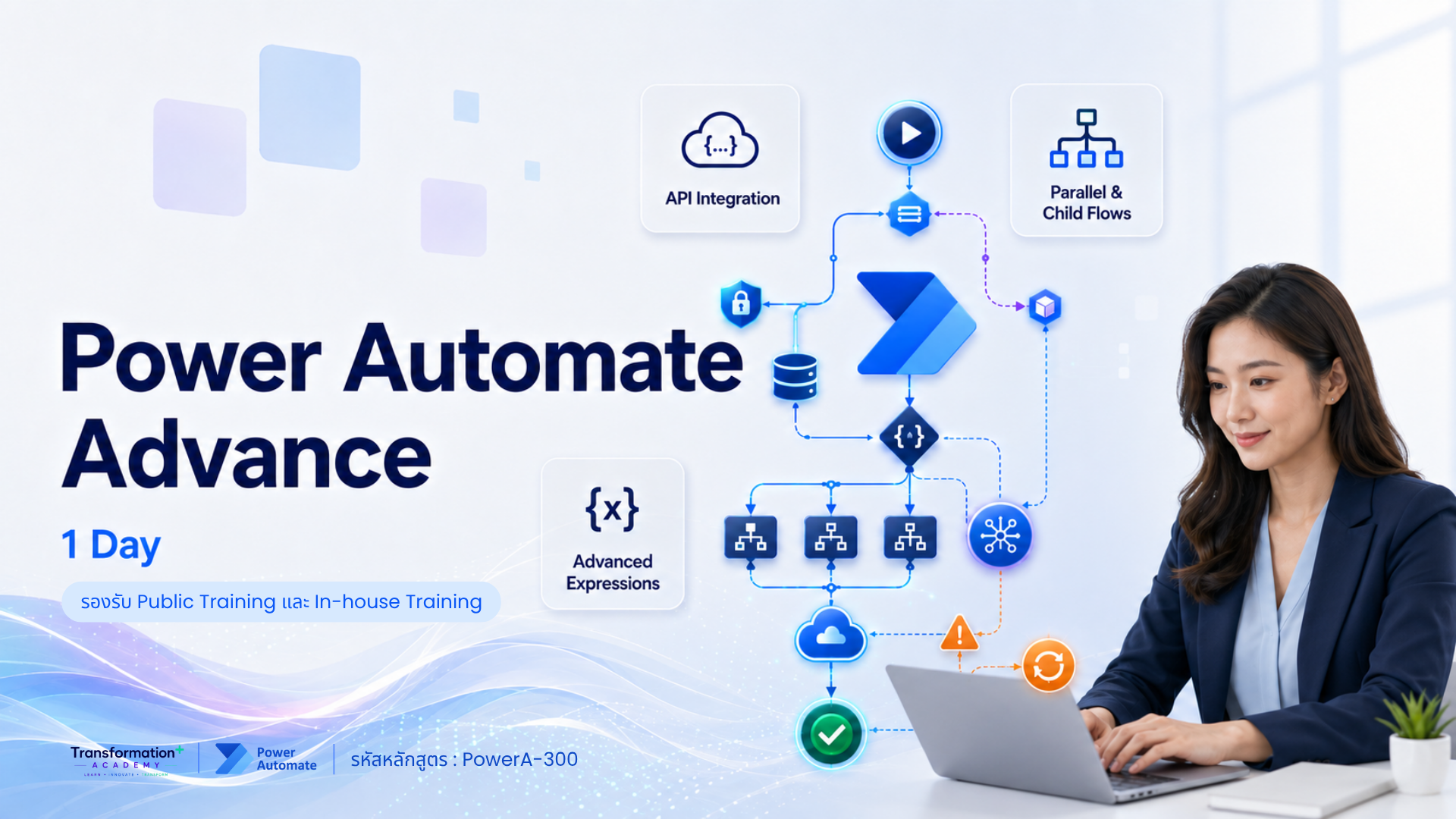
Power Automate Advance (1 Day)
รหัสหลักสูตร: PowerA-300 อบรม Power Automate Advanced สำหรับผู้ที่ต้องการสร้าง Workflow ขั้นสูง เรียนรู้ Multi-step…
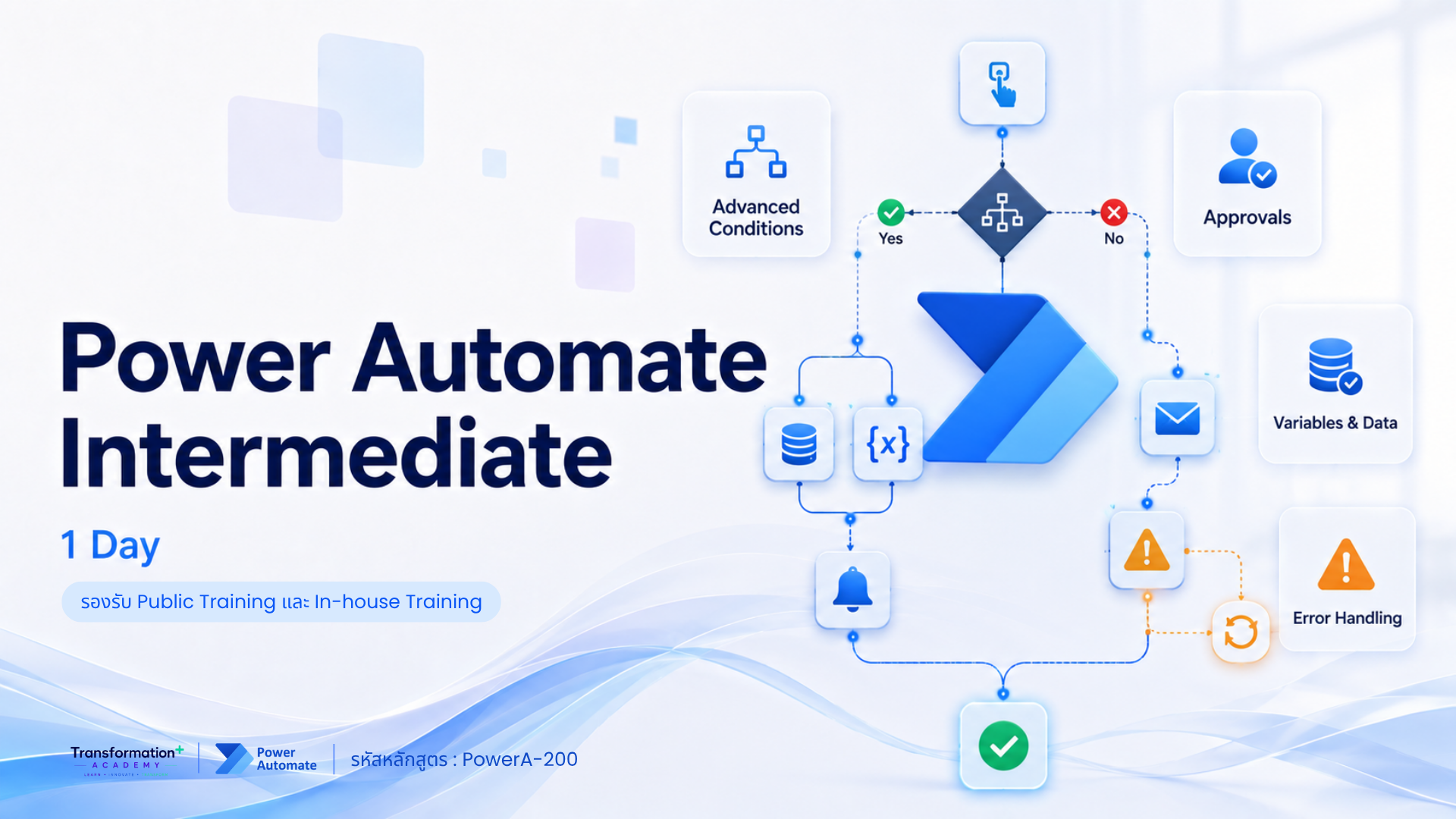
Power Automate Intermediate (1 Day)
รหัสหลักสูตร: PowerA-200 อบรม Power Automate สำหรับผู้เริ่มต้น เรียนรู้การสร้าง Workflow, Approval และ Automation…